
Open StratTrade
Start StratTrade from the Windows Start menu or from the desktop shortcut if you selected that option during installation.
Allow the main window to finish loading before opening Settings or configuring an exchange connection.
Review the main workspace
The left navigation gives you direct access to the Dashboard, Strategies, Backtest Center, Open Trades, Trade History, Balances, Market Watch, Orders, Logs, License, and Settings.
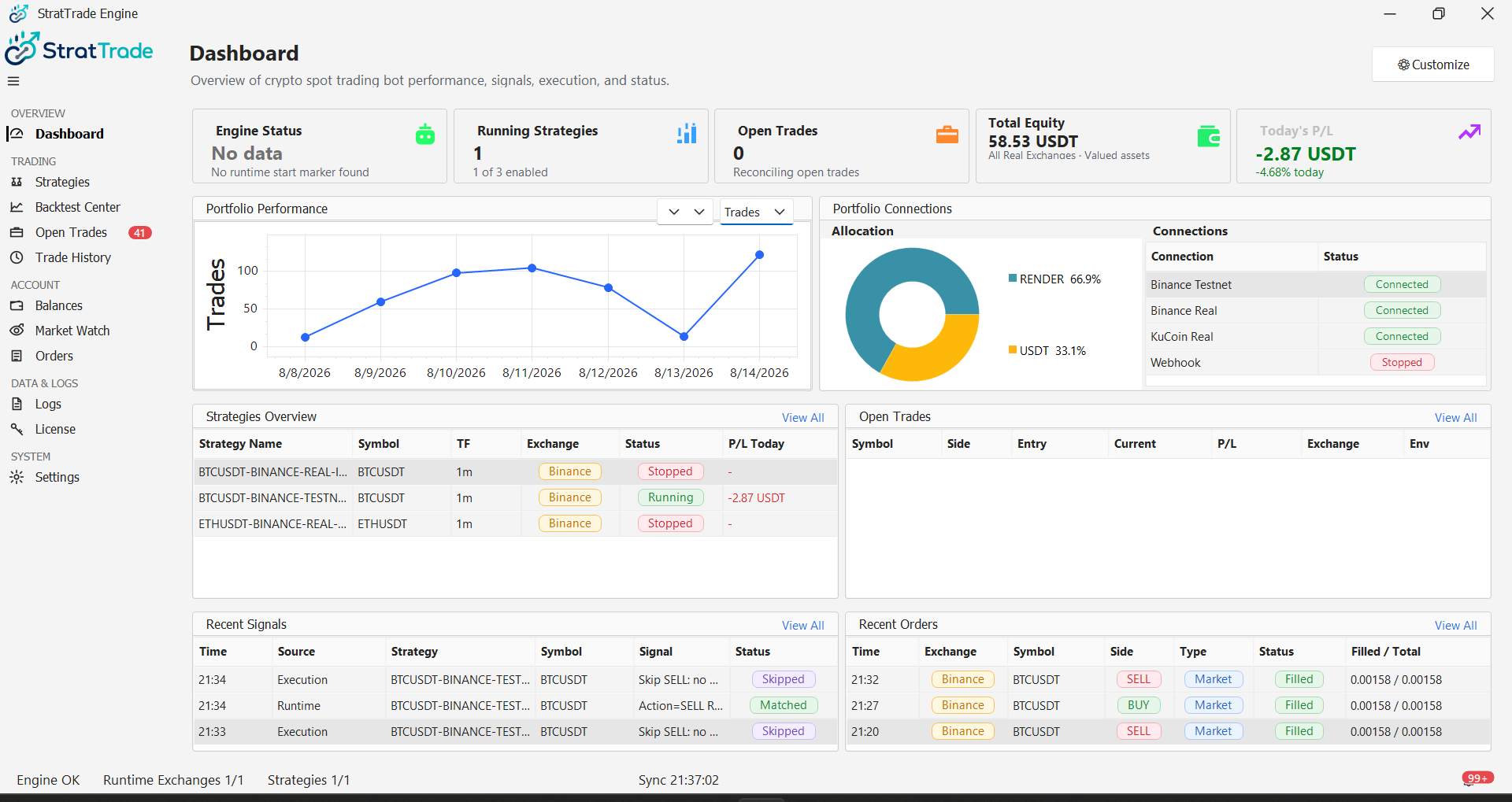
Confirm the application is ready
Review the status area at the bottom of the application. At this stage, it is normal to have no runtime exchange connected until you configure Binance or KuCoin.
If your license has not been activated yet, complete License & Activation before configuring exchange credentials.
Connect your exchange
After the application is installed and licensed, continue to the Binance or KuCoin guide to add your exchange credentials and test the connection.
StratTrade is ready for exchange configuration.