
1
ALL EVENTS
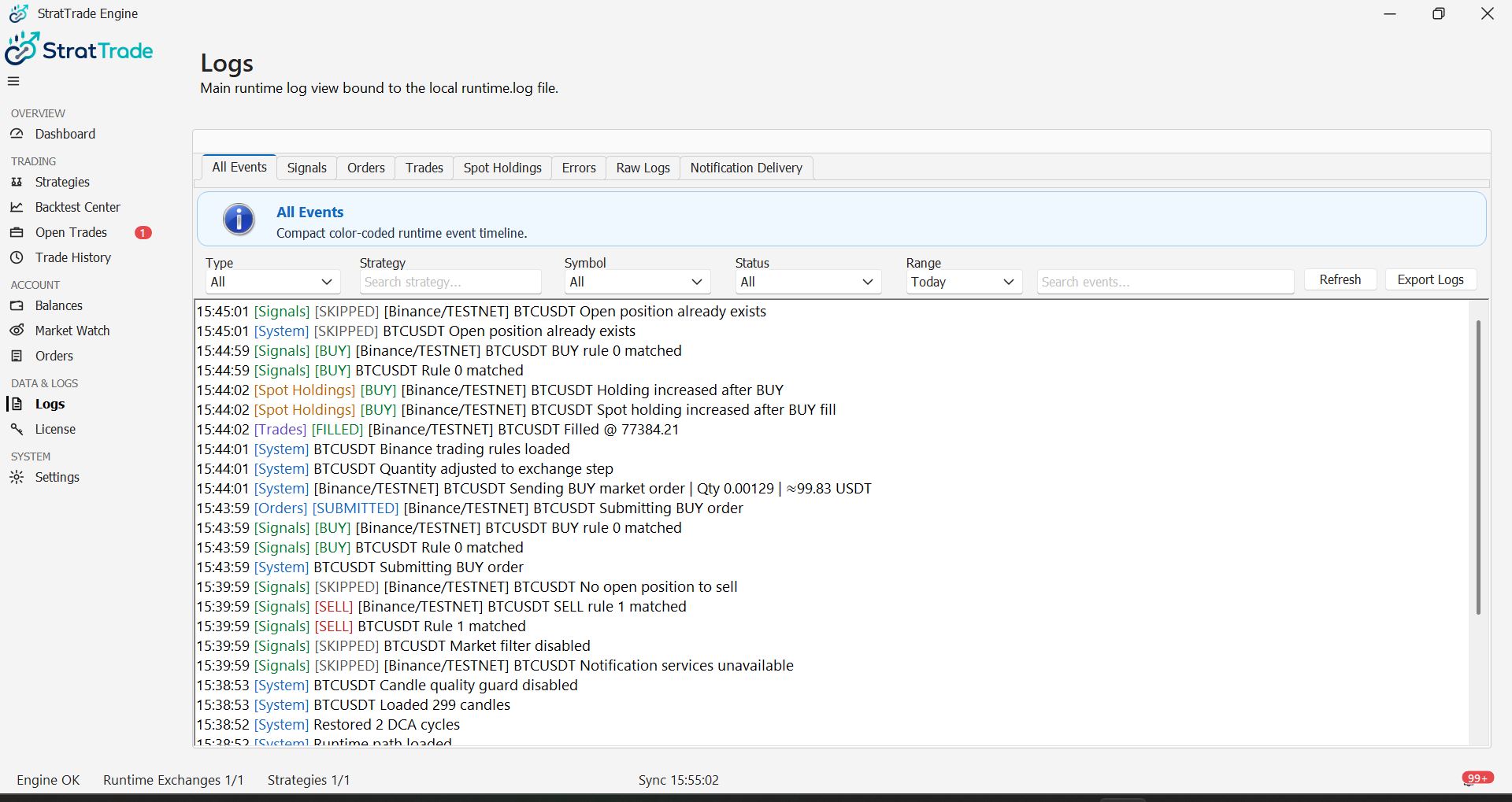
Start with All Events
Open Logs and start with All Events when you need a chronological view of runtime activity.
The event stream connects signals, orders, trades, holdings, notifications and system events in one place.
2
ORDERS
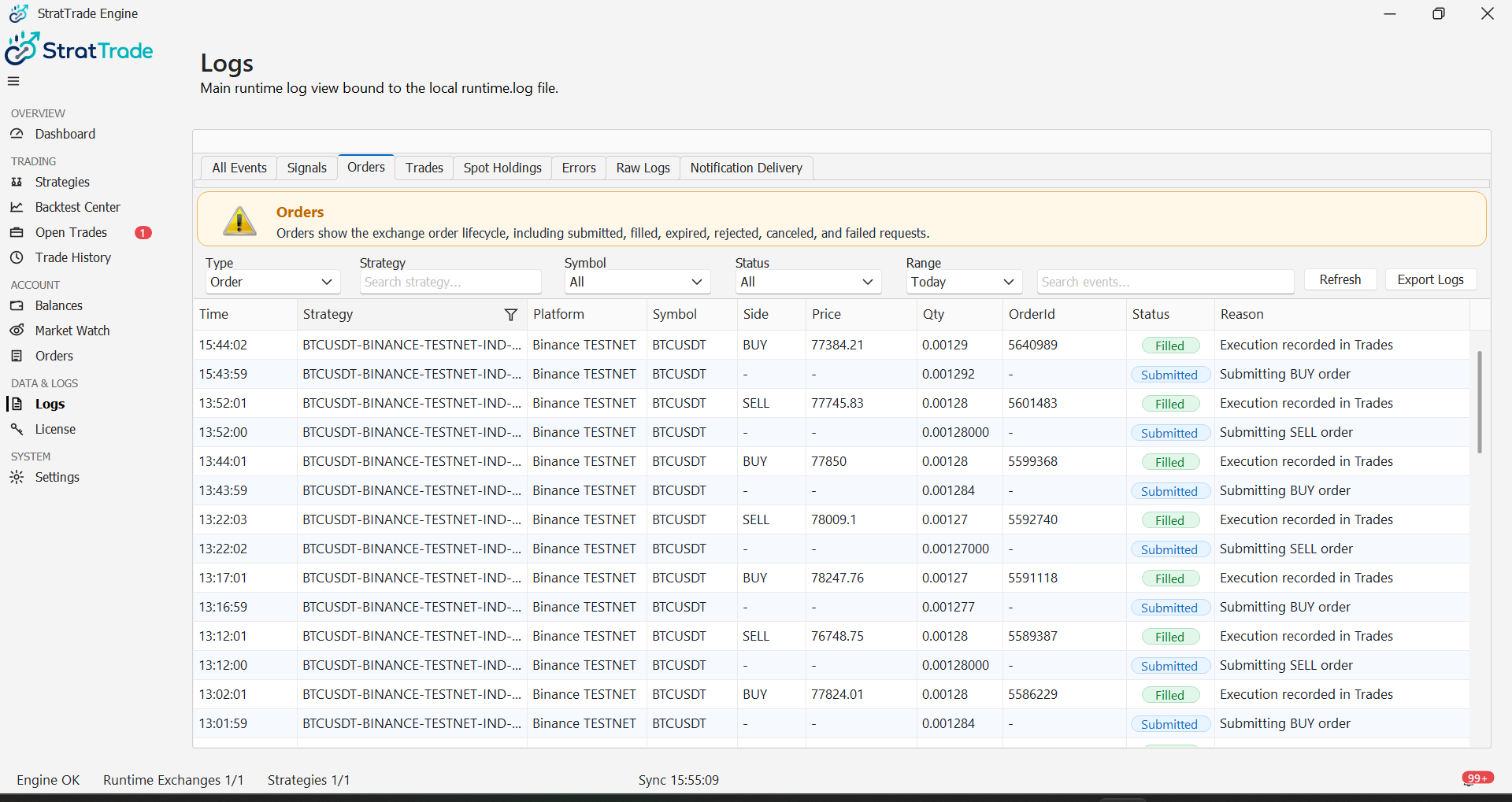
Review order events
Use the Orders log view when investigating order submission, fills, cancellations, rejections or related execution events.
3
ERRORS
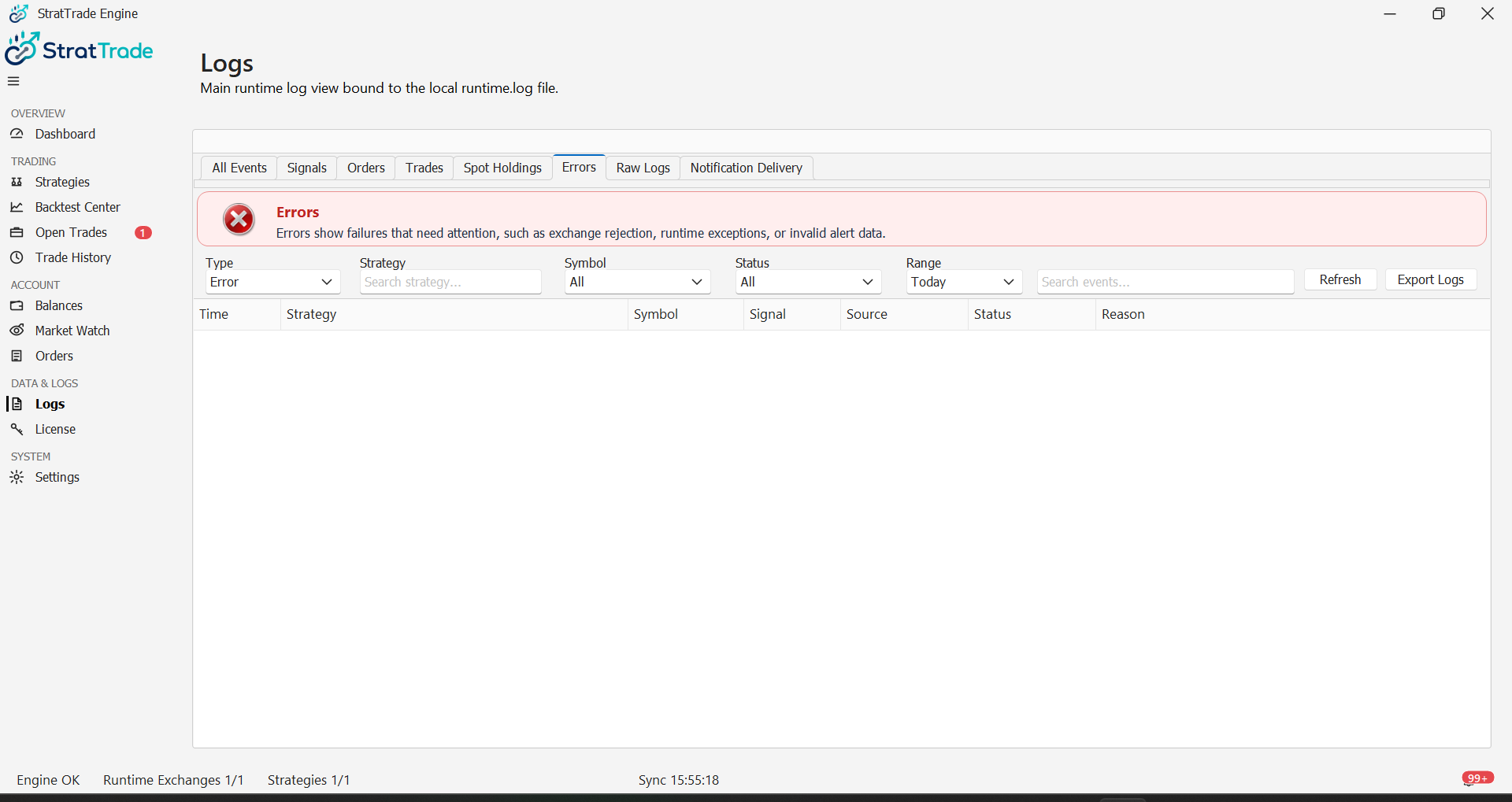
Review errors separately
Use the Errors view to isolate failures and error messages from normal runtime traffic.
Keep the exact error text when troubleshooting a failed exchange, strategy or service action.
4
DELIVERY
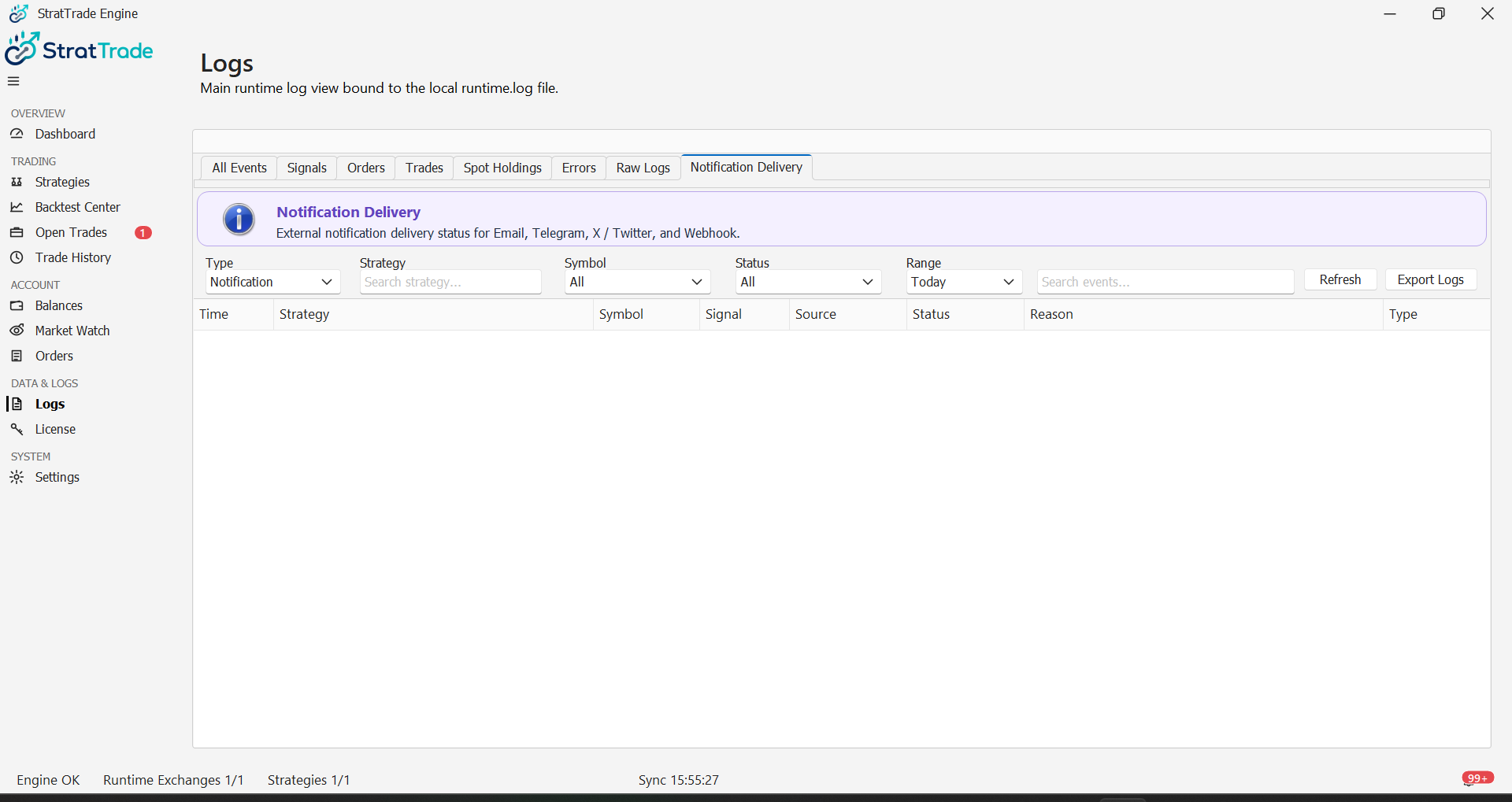
Confirm notification delivery
The Notification Delivery view records notification activity so you can confirm whether configured channels were used.
Runtime activity traced
Continue to Notifications to configure alert delivery channels.