
1
OVERVIEW
Open the Orders view
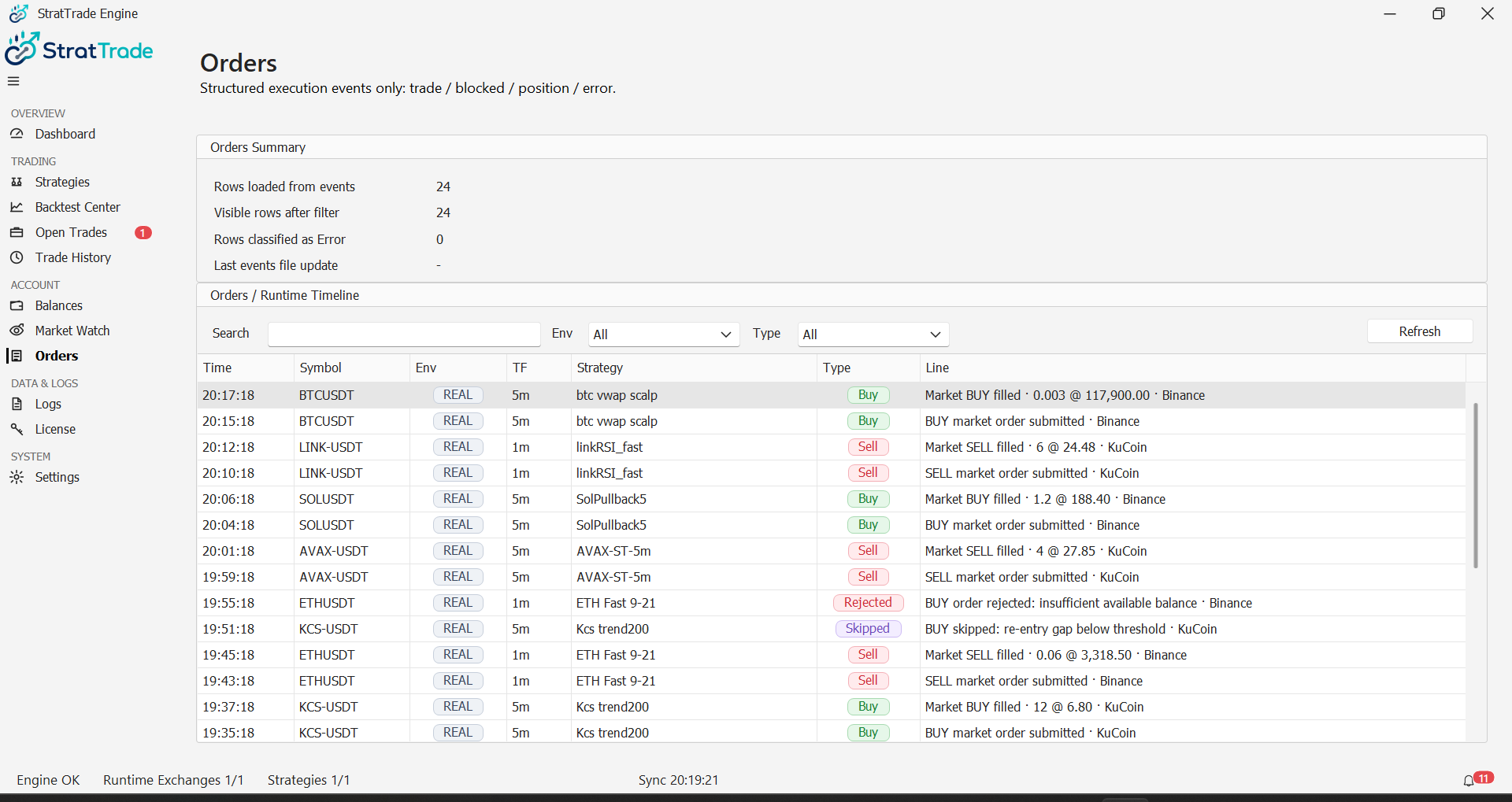
Select Orders from the main navigation to review order activity generated through StratTrade.
Use the available columns and status information to follow an order from submission through its final state.
2
TRACE
Review an order state
Check the symbol, side, exchange, environment and order status when validating an execution.
Compare the order with Open Trades and the order-related events in Logs when more context is required.
3
TROUBLESHOOT
Investigate failed or rejected orders
Keep the visible status and exact error message, then review Logs before changing strategy settings or exchange credentials.
Order activity reviewed
Use Trade History for completed trading activity.