
1
OVERVIEW
Open the Open Trades view
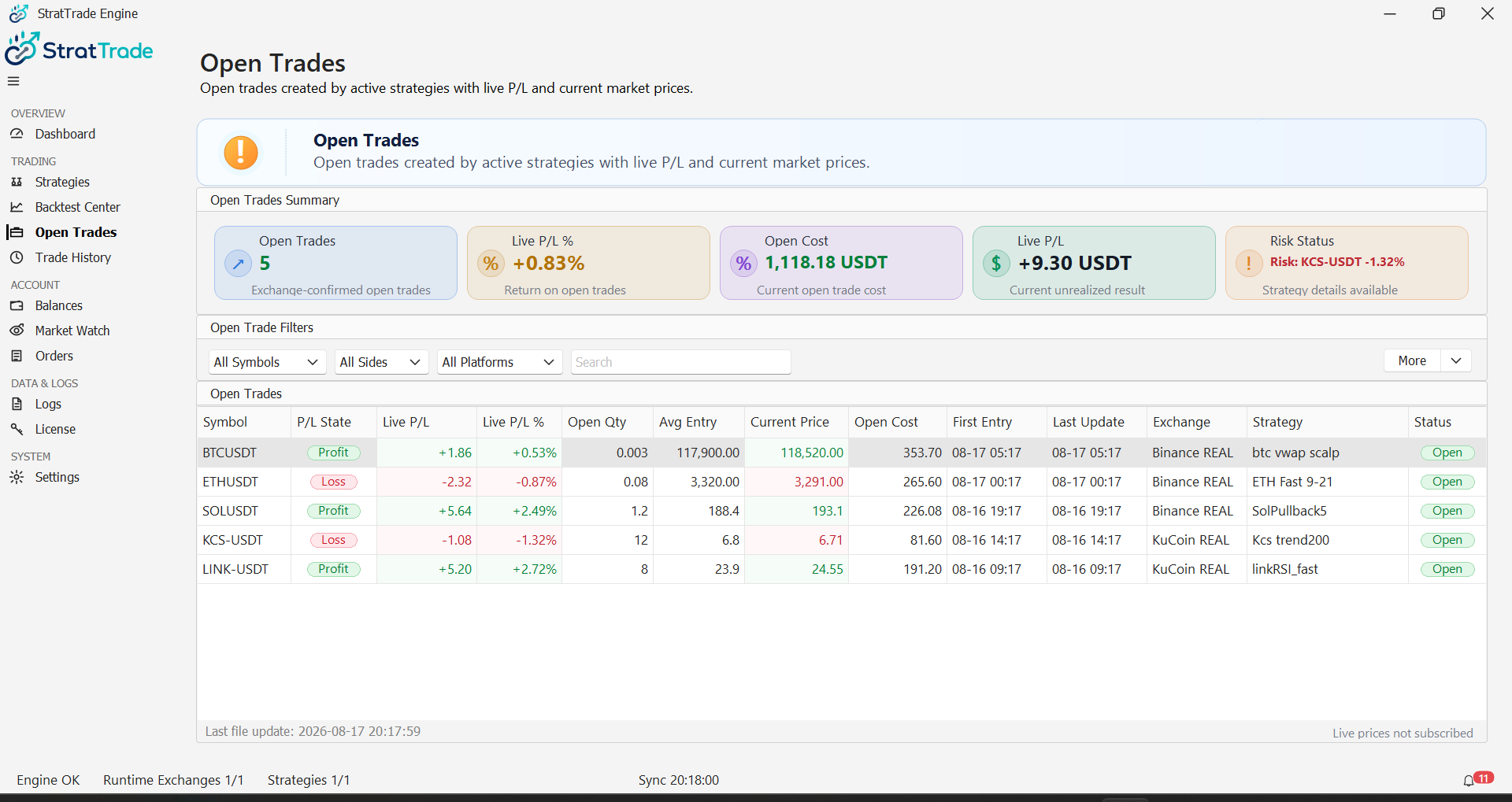
Select Open Trades from the main navigation to review positions that are currently open.
Use this view to check the symbol, exchange, side, entry information, current value and live position status.
2
MONITOR
Watch active exposure
Review open positions while a strategy is running so you can confirm that execution matches the intended strategy workflow.
Use Orders and Logs when you need to trace the order activity behind a position.
Open trades reviewed
Continue to Orders for order-level activity.