
1
SELECT
Choose the strategy to test
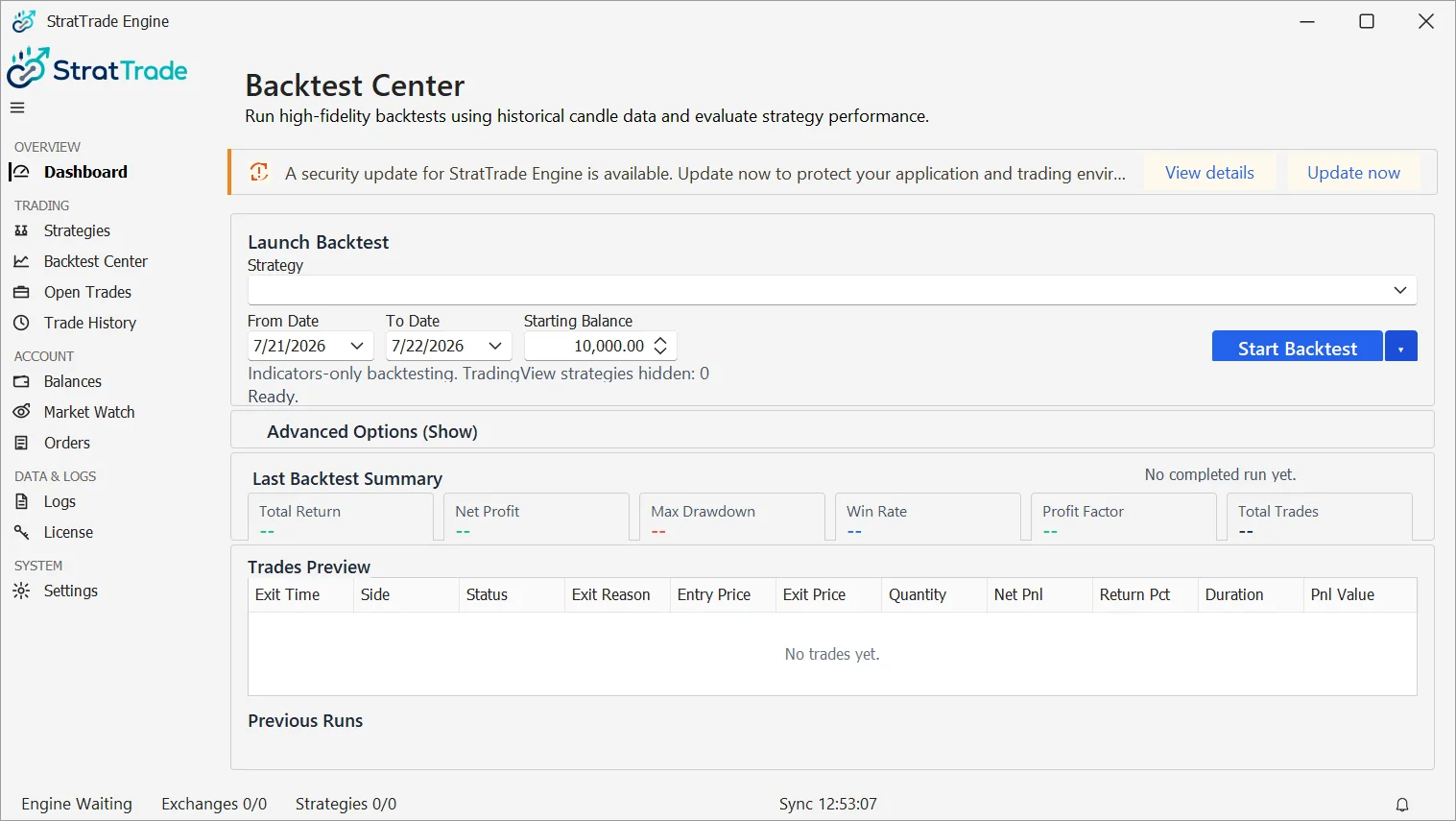
Open Backtest Center and select the saved strategy you want to evaluate.
Review the displayed exchange, environment, symbol and test inputs before starting the run.
2
RUN
Set the historical test range
Choose the available historical date range and starting balance required for the test, then start the backtest.
The strategy logic and configured protections are evaluated against historical candles using the Backtest Center rules.
3
REVIEW
Review the results
After the run completes, review the summary metrics and trade preview rather than relying on a single performance number.
Use the result to identify logic or protection settings that should be adjusted before live execution.
Backtest reviewed
When the strategy behaves as intended, continue with execution and risk configuration.