
Open the Strategies workspace
Open Strategies from the main navigation to view the strategy library and current runtime state.
From here you can create a strategy, review saved strategies and open the available strategy actions.
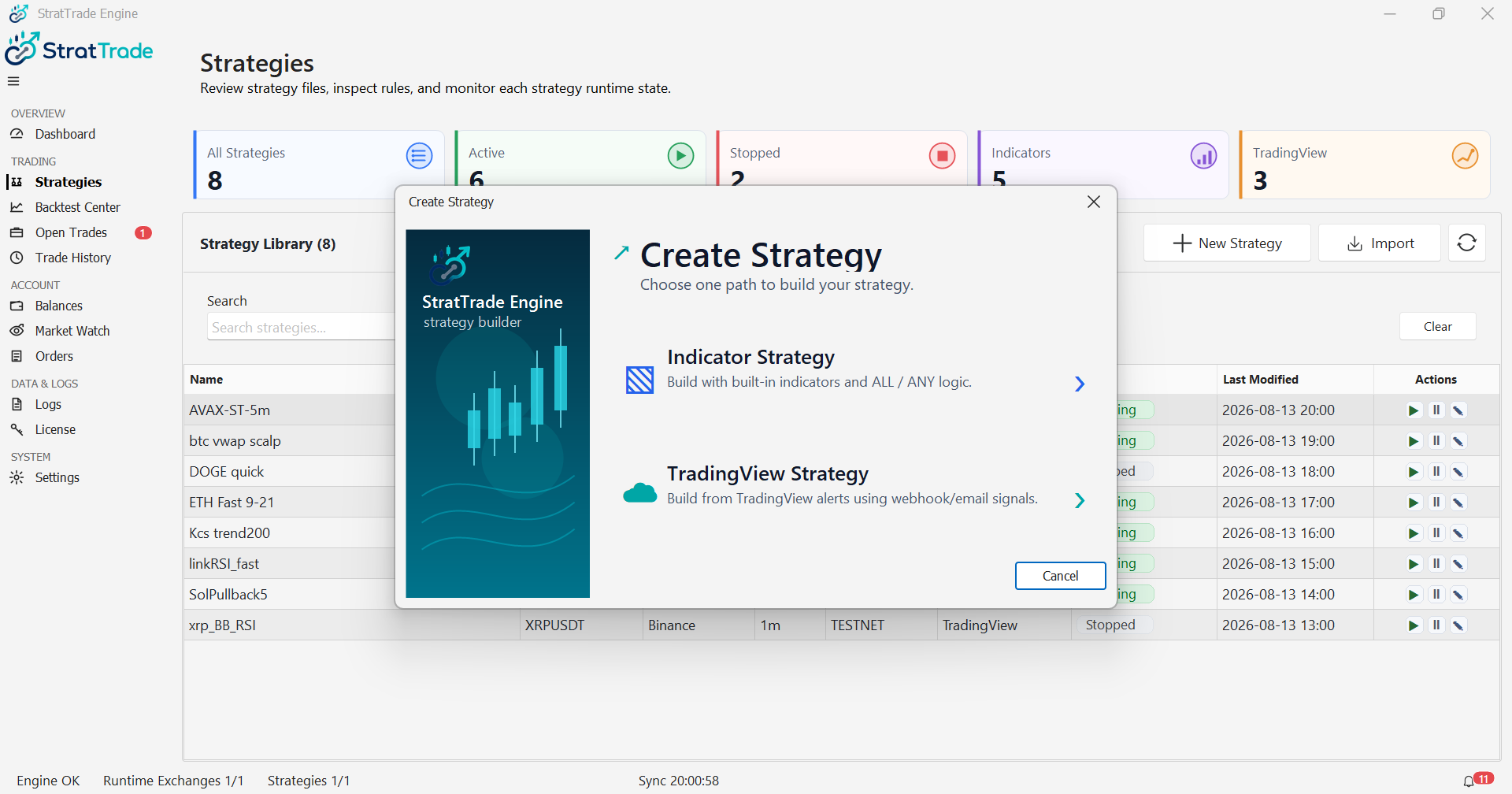
Choose the signal source
StratTrade supports two strategy workflows: indicator-based strategies calculated inside StratTrade and TradingView-based strategies driven by TradingView alerts.
Both workflows use visual BUY and SELL logic and can use StratTrade execution and protection controls.
Save, edit and control strategies
Saved strategies remain available in the strategy library so you can review, edit, backtest or run them when required.
Confirm the exchange, environment, symbol and strategy configuration before starting automated execution.
Strategy workspace ready
Continue with the guide that matches the strategy type you want to build.